Many businesses, schools, and event organizers underestimate this decision. The method you choose affects total cost, how sharp your artwork looks, how the fabric feels, how long the print survives repeated washing, and whether your order arrives before the deadline.
This guide compares both methods for small businesses, sports teams, schools, nonprofits, and anyone planning a custom apparel order. By the end, you'll know which process fits your artwork, quantity, fabric, and timeline.
Key Takeaways
- Choose digital printing (DTG) for detailed, full-color artwork, smaller quantities, and designs that change order to order.
- Screen printing wins on bold graphics, solid colors, and large repeated runs that need specialty inks or spot-color accuracy.
- Weigh artwork, garment, quantity, budget, and deadline together; neither method wins every job.
- Confirm fabric compatibility, color accuracy, and care instructions with your printer before approving a large order.
Digital Printing vs Screen Printing: Quick Comparison
| Factor | Digital Printing (DTG) | Screen Printing |
|---|---|---|
| Cost | Lower setup complexity; practical for small or changing orders | More cost-efficient as the same design repeats across larger runs |
| Design complexity | Better for photos, gradients, shading, fine detail | Better for bold graphics, typography, limited-color logos |
| Color & finish | Reproduces subtle color transitions; result varies by garment color | Produces bold, opaque color; supports metallic, puff, or glitter effects |
| Durability & feel | Lighter, softer hand feel since ink absorbs into fibers | Thicker ink layer; highly durable when properly cured |
| Fabric & placement | Performs best on cotton or cotton-rich garments | Works across a broader range of garments and print locations |
| Order flexibility | Ideal for small quantities or varying designs | Ideal for large, identical runs |
Setup time drives the cost difference. One trade publication estimated a five-color, 12-shirt screen-printing job at more than four hours including setup and breakdown, versus roughly 30 minutes to prepare, print, and cure the same 12 shirts with DTG, according to Impressions magazine.
That's one shop's scenario, not a universal price rule, but it explains why digital printing often wins for small batches.
Durability and finish come down to how the ink sits on the fabric. Kornit's comparison of the two methods notes that DTG ink is generally absorbed into garment fibers for a softer feel, while screen printing can leave a thicker, slightly raised layer that holds up well under repeated wear.
Match the method to your order size, artwork, and how the shirt needs to feel—then confirm the fit with your printer for the garment and use case.
What Is Digital Printing for T-Shirts?
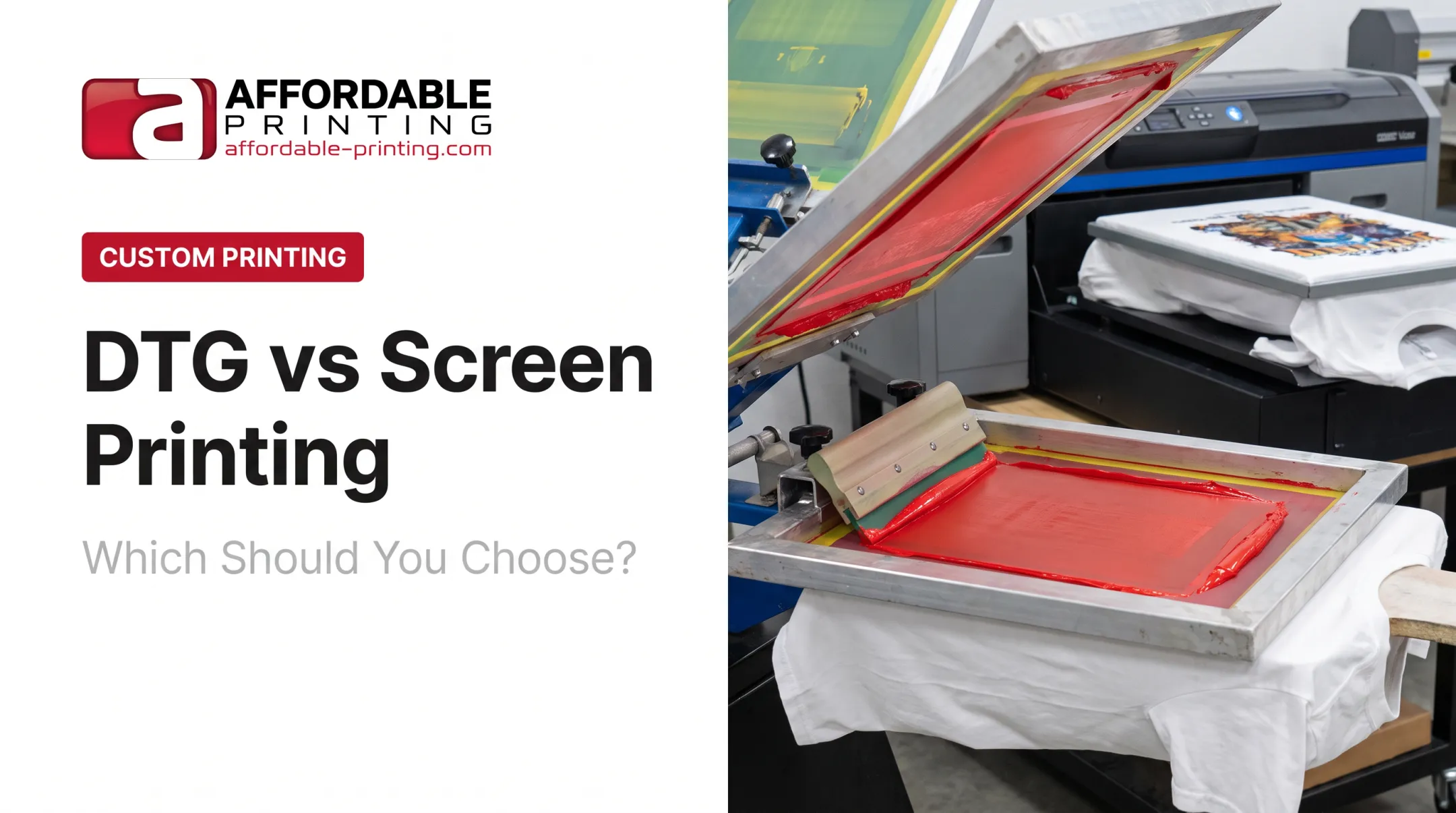
Digital printing for apparel usually means direct-to-garment (DTG) printing. Instead of pushing ink through a mesh screen, a printer applies digitally controlled ink straight onto the shirt, layer by layer, the same way an inkjet printer applies ink to paper.
The basic workflow looks like this:

- Artwork review – The design is checked for resolution, color accuracy, and print readiness.
- Garment positioning and pretreatment – The shirt is loaded onto the printer platen, and a pretreatment is often applied so ink bonds properly to the fibers.
- Digital ink application – The printer lays down ink directly onto the fabric based on the digital file.
- Heat curing – Heat locks the ink into the fabric to improve wash durability.
Exact steps vary by equipment and garment type. Direct-to-film (DTF) is a related digital method that prints onto a transfer film first, then heat-presses the design onto the shirt.
Why It Matters for Your Order
Digital printing is relevant when you need detailed artwork, personalized items, short runs, or designs that change frequently. Key benefits include:
- Handles photographs, gradients, shading, and complex full-color artwork without a separate screen for every color
- Reduces setup requirements for small orders, making it easier to test a design before a bigger run
- Often produces a lighter hand feel than heavier ink applications, which suits soft promotional tees
Limitations to confirm with your printer:
- Polyester and blended fabric compatibility
- Color results on dark garments
- Print-area limits on the equipment in use
- High-resolution, print-ready artwork requirements
Affordable Printing's DTG service, for example, runs with a 12-piece minimum, making it workable for smaller batches that wouldn't justify screen setup.
Use Cases of Digital Printing
Digital printing tends to fit these situations best:
- Small batches – family reunion shirts, limited-run event apparel, or prototype designs
- Testing new merchandise – businesses trying out a branded product line before committing to volume
- Detailed artwork – photographic charity graphics, multicolor illustrations, or restaurant designs with smooth gradients
- Personalized items – names, numbers, or variable text when the printer's equipment supports it
Brother's Big Frog case study found that average digitally printed orders at one franchise location ran 10 to 20 pieces, while screen-printed jobs typically ran 50 to 100 pieces or more. That split reflects one shop's own experience, not an industry-wide cutoff, but it's a useful reference point when estimating where digital printing tends to make sense.
What Is Screen Printing for T-Shirts?
Screen printing pushes ink through a mesh stencil onto the garment. Each color in the design generally gets its own screen, so a five-color logo means five separate screens.
The workflow typically includes:

- Artwork separation – The design is broken into individual color layers.
- Screen preparation – Each color gets its own screen, exposed and washed out to create the stencil.
- Registration – Screens are aligned so every color lands in the right spot.
- Ink application – Ink is pushed through each screen, one color at a time.
- Flash drying and final curing – Multi-color designs may need flash drying between layers before final heat curing.
- Quality inspection – Finished shirts are checked before shipping.
Why It Matters for Your Order
Screen printing is the go-to choice for large quantities of consistent apparel: work shirts, team uniforms, school spirit wear, event tees, and staff merchandise.
Main benefits:
- Produces bold, opaque color that stands out on dark garments with the right underbase
- Supports exact spot-color matching and specialty finishes like metallic or puff ink, when the printer offers them
- Becomes more economical as the same design repeats, since setup work spreads across more shirts
Limitations worth knowing:
- More colors mean more screens, longer setup, and higher prep cost
- Minimum quantities may apply
- Small orders can carry higher waste or per-shirt cost
- Accurate registration is essential for clean, multicolor results
When Screen Printing Works Best
Screen printing fits best when you need:
- Large single-design runs – contractor uniforms, sports leagues, school teams, races, festivals, and staff apparel
- Bold branding – logos, simple illustrations, and limited-color graphics that reproduce cleanly
- Specialty effects – high-visibility workwear or shirts requiring puff, metallic, glitter, or glow-in-the-dark ink, depending on the printer's capabilities
Affordable Printing produced bold, vibrant screen-printed shirts for Castle of Chaos, a haunted attraction event that needed durable apparel able to withstand heavy seasonal use. Repeated high-volume orders like this are where screen printing balances unit cost and durability best.
Digital Printing vs Screen Printing: What Is Better?
Neither method is "better" outright. The right answer depends on five factors.
Five Factors That Decide the Method
- Start with the artwork. Photographs, gradients, and intricate multicolor files lean digital. Bold graphics, limited colors, and specialty effects lean screen printing.
- Evaluate quantity and reorder plans. Compare setup cost against per-shirt cost at your actual quantity, then ask whether you'll reorder the same design later.
- Check the garment. Confirm whether the shirt is cotton, polyester, blended, dark, light, or heavyweight, then ask which method the printer recommends for that fabric.
- Prioritize intended use. Weigh softness for casual wear against opacity and heavy-duty durability for uniforms or frequently washed workwear.
- Protect brand consistency. Request a proof or physical sample whenever exact logo colors or repeat-order matching matters.
Situational Recommendations
- Choose digital printing when the order is small or variable, the artwork is highly detailed, or the design includes photographs, gradients, or many colors.
- Choose screen printing when one bold design repeats across many shirts, exact spot colors matter, or specialty ink effects are part of the concept.
- For mixed projects, ask about combining both. A common approach: screen printing for a large run of team shirts, digital printing for personalized or small-batch add-ons like coach or staff names.
Real-World Examples
Affordable Printing has worked with organizations across Utah on projects ranging from marathon apparel for the Ogden Marathon to promotional merchandise for Warren Miller Films, Salt Lake County, and the Corporate Games.
Each project brought a different mix of quantity, timeline, and artwork complexity. Choose the method project by project, not by habit.
If you're unsure which method fits your artwork, quantity, or garment, ask a professional printer for a recommendation and a proof. Affordable Printing helps businesses, teams, schools, nonprofits, and event organizers compare screen printing, DTG, and DTF options, with design assistance and production planning for small runs through bulk orders.
Conclusion
Digital printing is often the better fit for detailed artwork, smaller orders, or designs that change frequently. Screen printing usually wins for bold, repeated designs produced in larger quantities.
Weigh these factors together—not price or familiarity alone:
- Fabric type and intended wear
- Color accuracy and print feel
- Artwork complexity
- Budget and deadline
Before placing a high-volume order, request a proof, physical sample, or tailored quote from a shop that offers both methods, such as Affordable Printing. That small step prevents costly reprints and keeps your team, school, or event on schedule.
Frequently Asked Questions
Is digital or screen printing better for shirts?
Neither wins in every case. Choose based on design detail, quantity, fabric, color needs, durability, and budget for that project.
Are digital print shirts good quality?
Yes—when artwork, garment, ink, pretreatment, and curing are handled correctly by an experienced printer. Skip a step, and quality drops fast.
Which lasts longer, screen printing or digital printing?
Screen printing often has an edge for heavy, repeated wear due to its thicker ink layer. Properly produced digital prints can also last well, especially with appropriate garment care.
How can you tell if a shirt is screen printed or DTG?
Screen prints usually feel thicker and slightly raised, with sharp solid areas. DTG feels softer and more integrated into the fabric—though feel alone isn’t always definitive.
Is screen printing cheaper than digital printing?
Digital printing is usually more practical for small orders because it skips per-color screen setup. Screen printing often costs less per shirt on larger runs of the same design. Compare quotes at your real order quantity.
Which printing method is best for polyester or sports shirts?
Polyester and performance fabrics usually need specialty screen inks or DTF rather than standard DTG. Confirm the ink system and method with your printer before production so the print bonds and holds up.