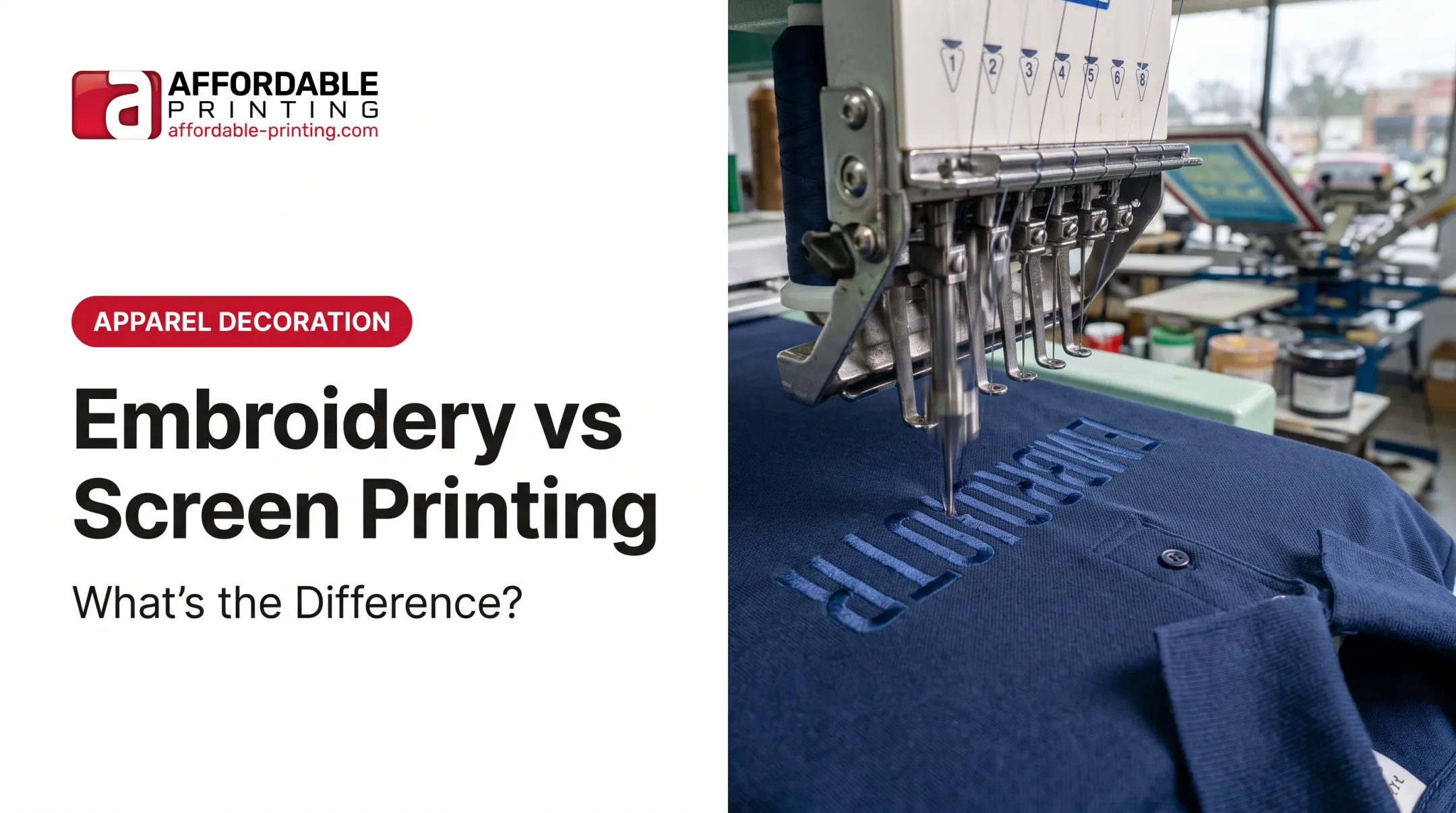
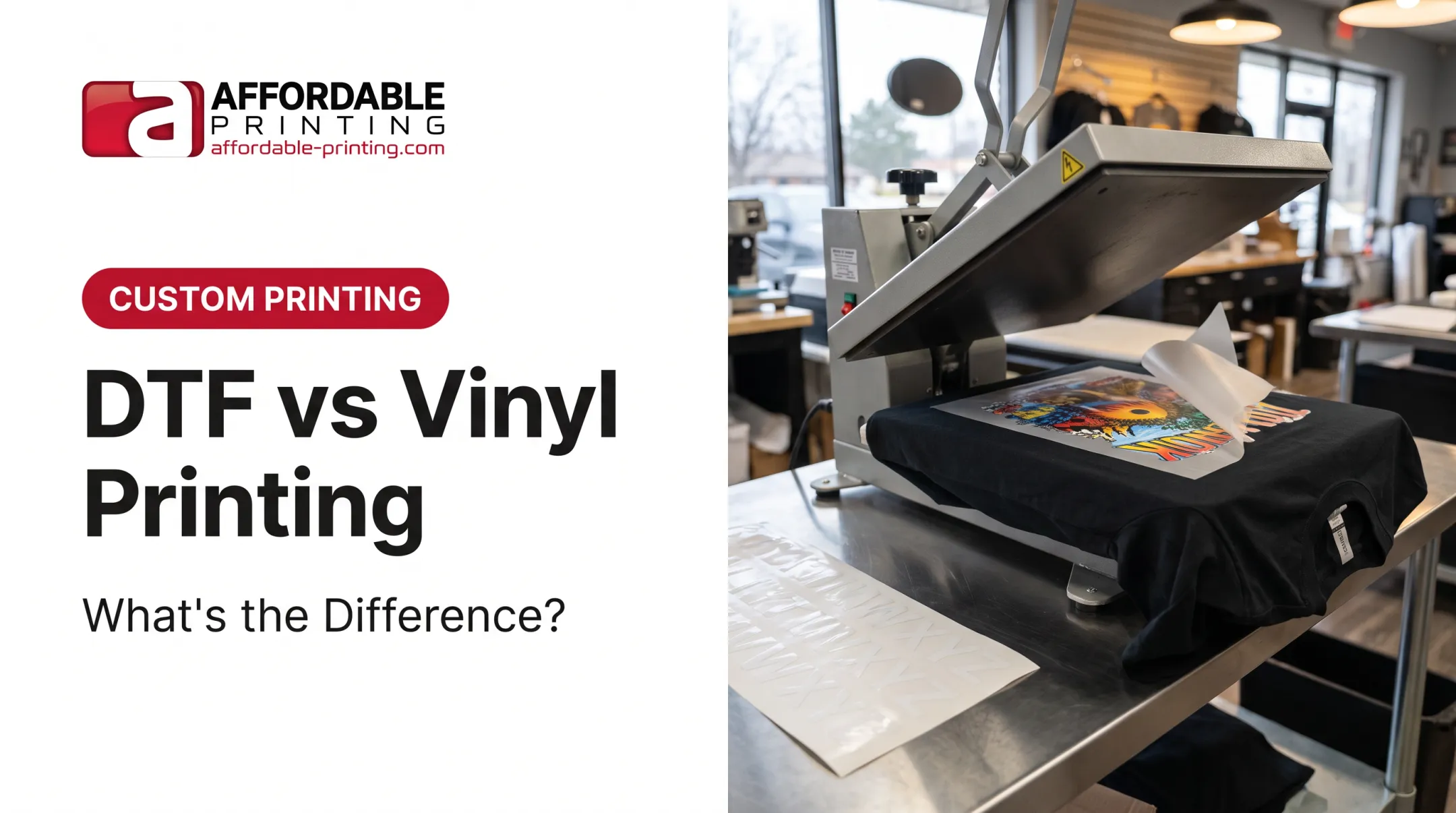
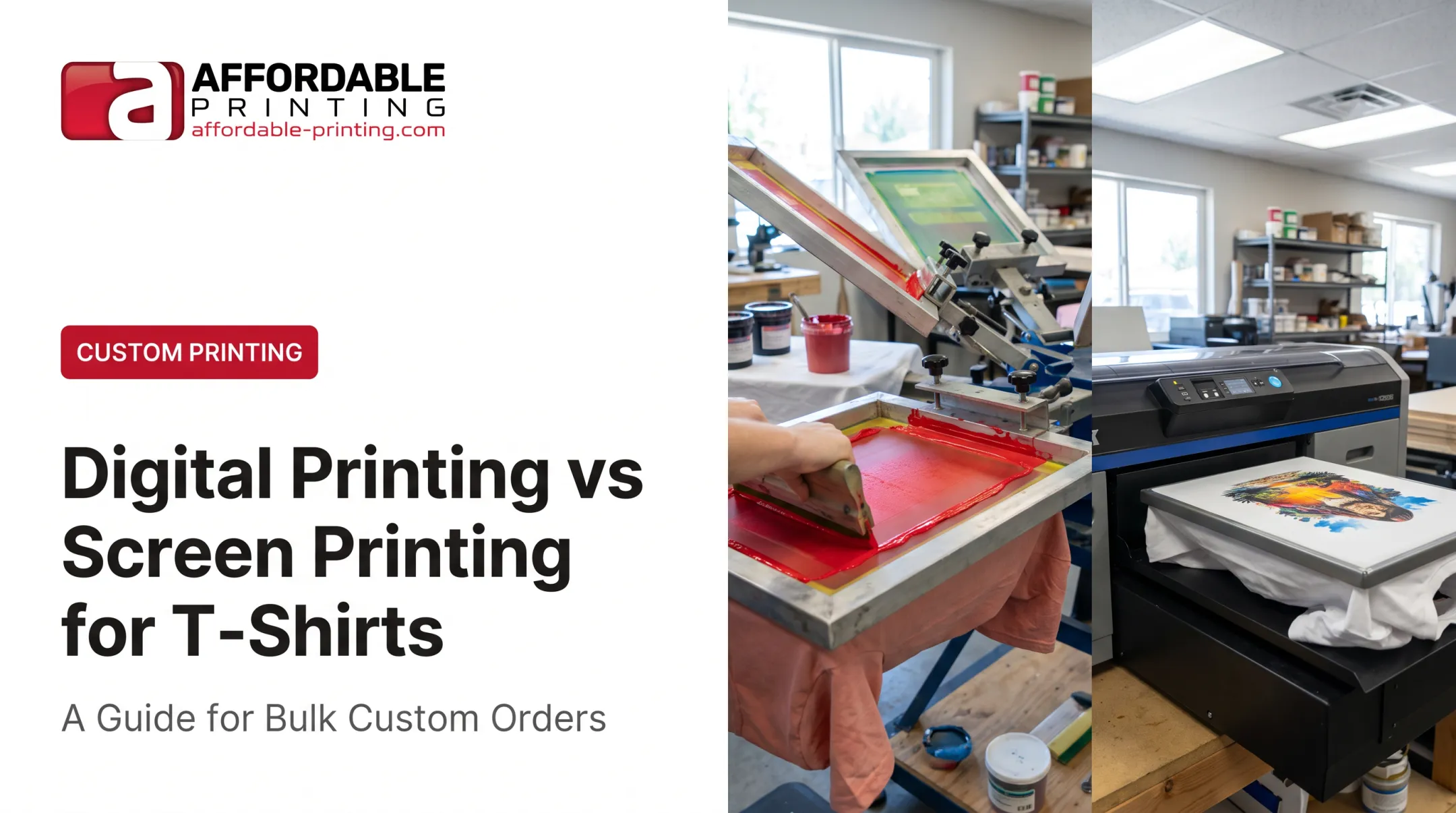
Screen printing pushes ink through a mesh stencil directly onto fabric. Heat press bonds a pre-made transfer to the garment using heat and pressure. That one difference ripples out into everything else: upfront cost, price per shirt, how the print feels, how long it lasts, and how fast you can get your order.
Neither method wins every time. The right pick depends on your order size, how detailed your artwork is, what fabric you're printing on, and how soon you need the shirts in hand. This guide breaks down both methods so you can make that call with confidence.
Key Takeaways
- Choose screen printing for bold, consistent designs and larger orders where every garment matches.
- Reach for a heat press on small batches, personalized names/numbers, and detailed or photographic artwork.
- Expect your quote to move with setup fees, color count, transfer type, fabric, and quantity.
- Durability tracks ink quality, transfer material, and curing or pressing accuracy more than the method label.
Screen Printing vs. Heat Press: Quick Comparison
Cost Structure
Screen printing requires a separate mesh screen for each color in your design, so setup costs get spread across your order. A simple two-color logo printed on 100 shirts often costs less per unit than the same design on 12 shirts, because that setup expense divides across more garments.
Heat press works differently. There's minimal design-specific setup, which makes it practical for one-off orders or small runs. But pricing for prepared transfers depends on sheet size, quantity, ink-color count, and artwork source, so larger heat-press runs don't always scale down in price the way screen printing does.
Application Process
- Screen printing: Ink is forced through open areas of a mesh screen directly onto the fabric, then cured with heat to set permanently.
- Heat press: A pre-made transfer (vinyl, printed film, or DTF) is positioned on the garment and bonded using controlled heat and pressure.
Design Complexity and Personalization
Screen printing shines with bold artwork and defined spot colors. Every additional color means another screen, another registration step, and more production time. Intricate gradients or photo-realistic designs get complicated fast.
Heat press methods, particularly digital transfers like DTF, handle gradients, photographs, and multi-color artwork without adding screens. They're also the go-to choice when every garment needs something different, like a jersey roster with unique names and numbers.
Durability and Print Feel
Cured screen-print ink sits on the fabric surface and, when properly cured, resists cracking and fading through repeated washing. According to Avient's curing guidance, ink must reach its full recommended cure temperature all the way through. Under-cured ink is the most common cause of cracking after washing.
Heat-applied transfers vary more by material. Vinyl and printed transfers can feel slightly heavier on lightweight shirts, and their longevity depends heavily on correct application temperature, pressure, and dwell time.
Fabric, Quantity, and Turnaround
| Factor | Screen Printing | Heat Press |
|---|---|---|
| Best fabric fit | Cotton, cotton/poly blends | Cotton, polyester, blends, performance fabric |
| Ideal quantity | Larger, repeat-design runs | Small runs, one-offs, personalized batches |
| Turnaround | Depends on screen setup and curing schedule | Often faster for small batches, no screens needed |
What Is Screen Printing?
Screen printing is a stencil-based process. A squeegee forces ink through open areas of a mesh screen onto the garment underneath, and each color in your design uses its own screen.
Affordable Printing's process typically runs through these stages:
- Artwork preparation and color separation – break the design into individual color layers.
- Screen creation – burn a stencil onto mesh for each color.
- Registration – align screens so colors land in the right spot.
- Ink application – pull ink across the screen one color at a time, with flash-drying between layers on multicolor jobs.
- Curing – heat sets the ink permanently into the fabric.
- Quality inspection – check finished pieces for color accuracy and print quality.

Why buyers choose it:
- Bold, opaque color that reproduces consistently across dozens or hundreds of shirts
- Strong wash resistance when ink is fully cured and matched to the right fabric
- Setup costs that pay off when the same design is printed or reordered repeatedly
Use Cases of Screen Printing
Screen printing works best for:
- Company uniforms and trade crew shirts
- School spirit wear and sports team apparel
- Event shirts, nonprofit campaigns, and community fundraisers
- Any order where the same logo or slogan repeats across every garment
It's less suited to one-off shirts, frequent design swaps, individualized names and numbers, or highly detailed photographic artwork. Those jobs usually fit heat-press methods better.
According to PPAI's discussion of decoration methods, repeated bulk logo runs are where screen printing shows its cost advantage. That edge grows when buyers reorder the same design season after season.
What Is Heat Press Printing?
"Heat press" describes the application process, not one single transfer technology. It refers to using heat and pressure to bond a prepared design onto a garment. Several transfer types fall under this umbrella:
- Heat-transfer vinyl (HTV): Cut vinyl shapes and lettering, great for bold, simple graphics and personalization like names and numbers.
- Printed or digital transfers: Full-color artwork printed onto a carrier sheet, then heat-applied, good for detailed designs without a screen for every color.
- DTF (Direct-to-Film): Film printed with adhesive, then pressed on; no weeding or vinyl cutting, so gradients and full-color art apply efficiently.
Why buyers choose it:
- Minimal setup makes small runs, prototypes, and one-off gifts practical
- Each garment can carry different names, numbers, or artwork without new screens
- Digital transfers handle gradients and multicolor detail, with results tied to the supplier, artwork file, and press settings
Affordable Printing's DTF service, for example, works across cotton, polyester, blends, and dark fabrics with no color limitations, and orders start at just 12 units, making it a practical entry point for smaller or personalized jobs.
Use Cases of Heat Press Printing
Heat press methods work especially well for:
- Personalized sports jerseys with individual names and numbers
- Small staff orders or one-off department shirts
- Family reunion apparel and volunteer event shirts
- Limited-run merchandise or samples used to test market demand
They also flex across placements beyond t-shirts, including caps, bags, and performance polyester, as long as the press temperature and pressure match the transfer type.
That flexibility has limits. Siser's EasyWeed vinyl instructions call for a 24-hour wait before the first wash, mild detergent only, and no bleach or fabric softener. Skip those steps and even a well-applied transfer can crack or peel prematurely.
Screen Printing vs. Heat Press: What Is Better?
Neither method wins outright. The right choice hinges on quantity, artwork detail, personalization, fabric, expected wear, budget, and your deadline.
Choose screen printing when:
- Many garments share the same simple or moderately complex design
- Long-term wash durability matters
- Setup costs can be spread across the order or future reorders
Choose heat press when:
- The order is small or each item needs different information
- Artwork is highly detailed, photographic, or gradient-heavy
- You need to make quick design changes between garments
Consider DTF specifically when artwork is full-color or intricate and the project doesn't fit traditional screen-printing economics. Compare it on its own merits rather than treating it as an automatic screen-printing replacement.
When you're evaluating a quote, ask whether it includes:
- Setup, screens, or color separations
- Transfer materials and artwork cleanup
- Individual personalization charges
- Garment costs, rush fees, and reorder pricing
Turnaround also depends on real production factors such as proofing time, garment availability, and quality-control steps, not a blanket promise.
Real-World Examples
A contractor ordering crew shirts. Fifty employees, one logo, reordered annually. Screen printing spreads setup across the whole run and holds up to job-site washing.
A youth team ordering personalized jerseys. Thirty players, each with a unique name and number. Heat press avoids creating dozens of screens for one-off variations.
An event organizer with a detailed full-color design. A gradient logo across 40 volunteer shirts. A digital transfer or DTF reproduces the artwork without the cost of multiple screens.

This kind of decision plays out in real shops, too. Supacolor's documented case study describes Clockwork Screen Print in El Segundo, California, fulfilling a Little League order of 300 players across 15 teams with three separate designs.
Screen printing couldn't handle that job efficiently given how many small, distinct runs were involved. The shop switched to heat transfers and kept the league's business for years afterward.
Not sure which method fits your project? Share your garment type, artwork, quantity, and deadline with Affordable Printing.
Our team handles screen printing and DTF apparel decoration for businesses, schools, teams, and nonprofits across Salt Lake City and the greater Wasatch Front. We'll point you toward the option that actually fits your order.
Conclusion
Screen printing is the practical choice for consistent bulk apparel and durable bold graphics. Heat press wins for small, detailed, personalized, or frequently changing orders.
Weigh transfer or ink type, garment fabric, artwork complexity, quantity, care expectations, and timeline. Compare full quotes—not just the headline unit price—before you decide. If both methods could work, line up side-by-side quotes so cost, durability, and turnaround are clear.
Frequently Asked Questions
Which is cheaper: screen printing or heat press?
Heat press is often more economical for small or personalized orders, while screen printing may offer a lower cost per item on larger runs using the same design. Setup, color count, transfer type, and quantity all affect the final quote.
Can you use a heat press instead of screen printing?
Yes, for many small, detailed, or personalized apparel projects. Screen printing usually remains preferable for larger, consistent runs or when maximum wash durability matters most.
Is heat transfer the same as screen printing?
No. Heat transfer bonds a prepared design onto a garment using heat and pressure, while screen printing applies ink through a mesh stencil directly onto the fabric and cures it in place.
Which lasts longer: screen printing or heat press?
Properly cured screen printing often delivers strong durability. Heat-transfer longevity depends heavily on whether the transfer is vinyl, printed, or DTF, plus how carefully it's applied and cared for afterward.
Which is better, screen printing or heat press?
Screen printing generally fits consistent bulk orders, while heat press fits small, detailed, or personalized orders. Base your choice on your specific project's requirements, not a blanket rule.
What is the best printing method for t-shirts?
It depends on your order size, design complexity, fabric, personalization needs, durability expectations, and deadline. Screen printing, heat press, and digital transfer options like DTF each serve different combinations of those factors.