_1782777776334-CjnZ693B.png)
July 12, 2026
What Files for Embroidery Work Best for Teams?
A stitched logo can only be as clear as the artwork behind it. When companies ask us what files for embroidery they should send, the short answer is: send the best version of your logo you have, preferably a vector file. The more useful answer is that embroidery requires artwork to be digitized into stitch instructions, and some files give our team a much cleaner starting point than others.
For uniforms, polos, hats, jackets, and employee gifts, getting the file right early helps avoid delays, extra revisions, and logos that lose their detail once thread replaces ink. That matters whether your organization is ordering 12 embroidered polos or outfitting a larger team across Salt Lake City and the Wasatch Front.
What files for embroidery should your company provide?
The best files for embroidery are vector artwork files. Vector art is built from lines and shapes instead of a grid of pixels, so it can be enlarged or reduced without becoming blurry. It also lets us clearly identify the separate parts of a logo, including text, borders, and color areas.
If your marketing department, designer, or previous vendor has one of these files, send it with your quote request:
- AI, the standard Adobe Illustrator format
- EPS, a widely used vector format
- PDF, when it was saved from vector artwork rather than scanned or exported as an image
- SVG, a vector format often used for websites and digital brand assets
An original PDF is often more useful than people expect. Many companies have a logo PDF from a brand guide, signage project, or prior print order. If the logo stays sharp when enlarged on screen, it may contain vector artwork. Our team can check it.
A high-resolution PNG can also be workable, especially when it has a transparent background and clean, solid edges. Send the largest version available. A PNG that is 2,000 pixels wide gives us far more to work with than a small image copied from a website or email signature.
Why embroidery files are different from print files
A print-ready logo is not automatically embroidery-ready. Screen printing, DTF, and DTG reproduce artwork with ink, which can handle very small details, color fades, and fine lines more easily. Embroidery builds the image from thread, one stitch type and one thread color at a time.
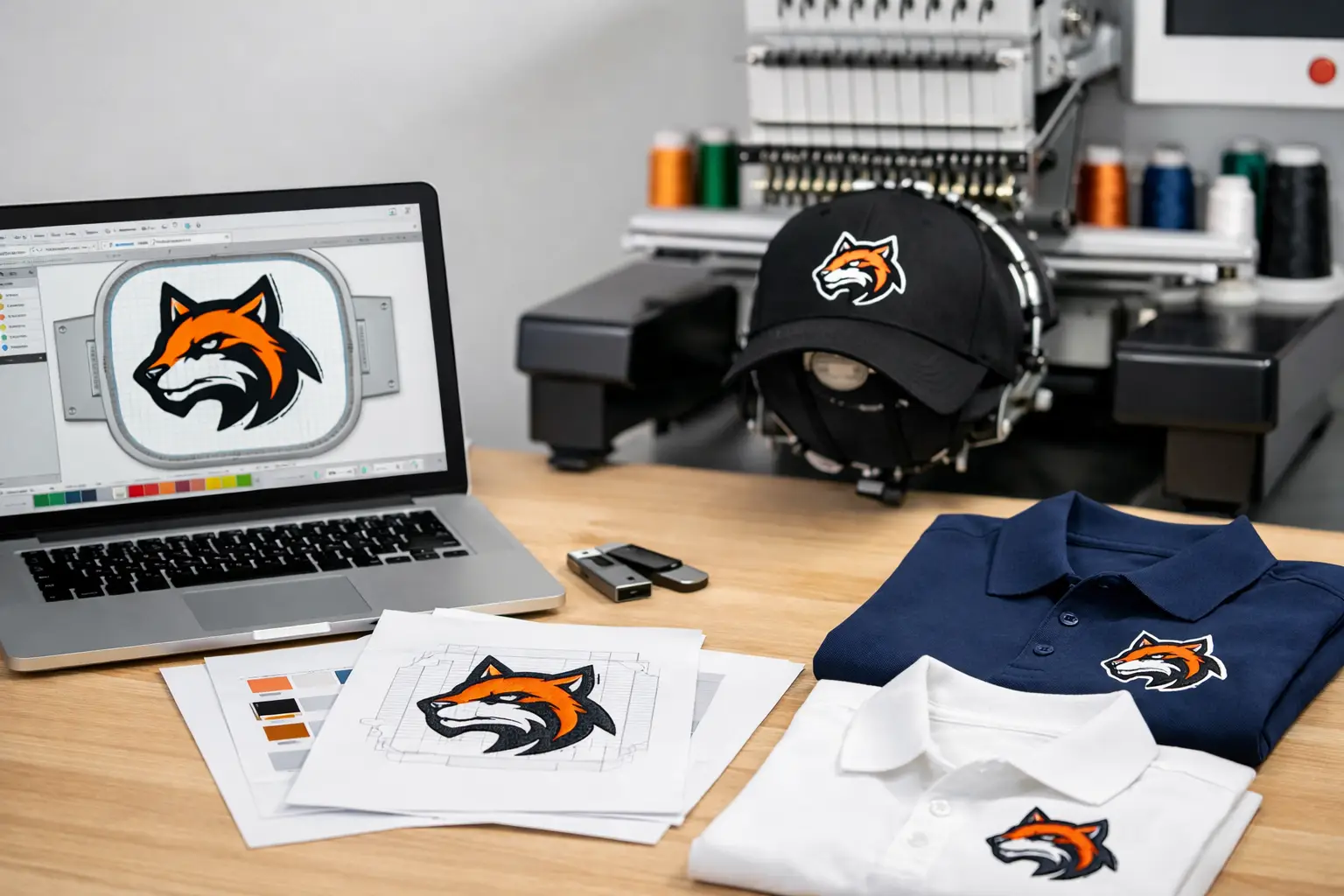
Before production, we digitize the logo. This is not simply converting a file from one extension to another. Digitizing maps the stitch direction, density, sequence, underlay, trims, and thread colors that help the design hold its shape on the garment. A logo that looks perfect in a PDF may need a few practical adjustments before it will stitch cleanly on a left chest polo or a structured cap.
For example, a thin white outline may disappear on a light garment. Tiny type may need to be enlarged, simplified, or removed. A color gradient usually needs to become a few solid thread colors, or the logo may be better suited to DTF or DTG. These are production decisions, not changes to your company’s identity, and we discuss them when they affect the final look.
Can you send a JPG, screenshot, or image from your website?
Yes, send it if that is what your company has. It is better to start with something than to hold up an order while searching for an old design file. Just understand that a low-resolution JPG, a screenshot, or an image pulled from a website may require more cleanup before digitizing.
JPG files are common, but they are compressed and do not support transparent backgrounds. They can also show fuzzy edges or blocky pixels when enlarged. Screenshots have the same limitation and sometimes include unwanted backgrounds, shadows, or website elements. A photo of an embroidered garment is useful as a reference for placement or thread color, but it is rarely enough to recreate a logo accurately by itself.
If a JPG is your only option, send the original file rather than a version pasted into Word, PowerPoint, or an email. Also send any brand guidelines, approved colors, or examples of previous apparel. Those details help us rebuild the artwork accurately when needed.
What about DST, PES, EXP, and other machine files?
Files such as DST, PES, EXP, JEF, and EMB are embroidery machine or embroidery software files. They contain stitch data rather than editable logo artwork. If your company has an existing DST file from a previous embroidered order, send it along. It can provide a useful reference and may save time in some cases.
Still, an existing machine file is not always the best or only file we need. Different embroidery machines and software programs use different formats and settings. The digitizing may have been built for a different garment, hoop size, or thread selection. A logo designed for a flat jacket back does not necessarily stitch the same way on the front of a cap.
Whenever possible, send both the original vector logo and any prior embroidery file. That gives us the clearest view of your approved design and how it has been stitched before.
Give us the details that affect the stitch-out
The logo file is only part of the job. A few practical notes help us prepare embroidery that fits your team’s apparel and use case. Tell us where the design will go, such as left chest, sleeve, hat front, or bag. Let us know the approximate size if your company has a standard, or we can recommend a size based on the garment.
Garment color matters too. A dark navy polo may need a different thread treatment than a light gray quarter-zip. If your brand uses specific colors, provide Pantone references when you have them. Pantone matching is especially relevant for screen printing, while for embroidery we match thread as closely as possible to your approved brand colors.
It also helps to flag details that cannot change, such as a registered logo mark, required wording, a department name, or a sponsor logo for a corporate event. If there is a preferred thread color from a previous order, a photo or sample can help us match the appearance consistently.
Design details that may need adjustment
Embroidery has physical limits, especially at small sizes. Most left-chest logos are only a few inches wide, and cap logos often have even less room. Fine details that look strong on a computer screen can become crowded when stitched.
Small lettering is the most common issue. As a general rule, very small text may not stitch cleanly, particularly on textured garments such as fleece or thick knit beanies. A logo with several nested outlines, hairline gaps, or closely packed colors can also need simplification. We will recommend the smallest changes necessary to preserve recognition and readability.
This is where the garment choice matters. Embroidery is an excellent fit for durable polos, work shirts, quarter-zips, caps, outerwear, and bags. For a full-color logo with gradients, detailed illustrations, or tiny text, DTF may produce a more faithful result. DTG can also be a good option for certain cotton garments and detailed artwork. For larger runs with bold spot-color artwork, screen printing remains a practical choice.
The best decoration method depends on the logo, garment, quantity, and how your employees or event participants will use the item. A good supplier should help your company choose the method rather than forcing every design into embroidery.
A simple way to submit your artwork
When requesting embroidered apparel, attach the highest-quality logo file your company can find. Include the vector version if available, plus a PNG or JPG for visual reference if that helps. State the garment type, garment color, logo location, estimated quantity, and deadline. If you are replacing an existing uniform program, include a photo of the prior embroidery or note the dimensions you want repeated.
Our team can review the artwork before production and let you know if anything needs attention. Standard turnaround is 12 business days from artwork approval, and we often finish sooner. If your Salt Lake City company has an event or onboarding date that is closer, ask about rush options before finalizing the order.
Good artwork does not need to be complicated. It needs to be clear enough for us to turn your logo into clean, durable stitches that represent your organization well. For a free quote and an honest review of the files your team has, call Affordable-Printing at (801) 260-0606.
Ready to start your order?
GET A FREE QUOTE